Are Mechanical Keyboards Better for Gaming? A Gamer’s Guide
Published: 13 Oct 2026
Are mechanical keyboards better for gaming? Many gamers ask this question before buying a new keyboard. From my experience working with computer hardware, I have learned that a keyboard’s design alone does not make it better for gaming. Key feel, response time, and support for pressing several keys at once also matter.
Mechanical keyboards offer different switch types with different feels and sounds. However, they do not automatically make you a faster or better gamer.
In this guide, I will compare mechanical and membrane keyboards for gaming, explain the main switch types, and help you decide whether a mechanical keyboard is right for your gaming needs.
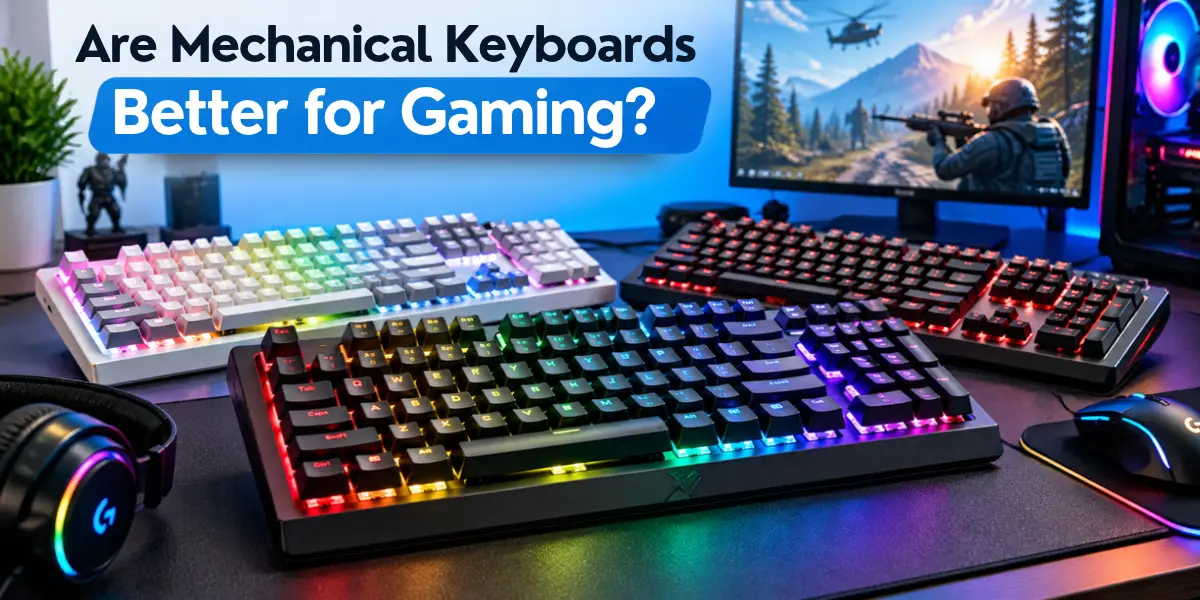
Are Mechanical Keyboards Better for Gaming?
Mechanical keyboards can be good for gaming, but not every gamer needs one. Many players like how the keys feel when they press them.
Here are three things to consider:
- Key feedback: How a key feels when you press it.
- Key response: How quickly the keyboard registers a keypress.
- Switch options: Different switches offer different feels and sounds.
However, a mechanical keyboard will not automatically make you a better gamer. Its performance also depends on the model and how quickly it responds to keypresses.
How Mechanical Keyboards Affect Gaming Performance
A keyboard affects how quickly and accurately your keypresses are registered during a game. The following features can help you choose a keyboard that suits your gaming needs.
Key Response and Keyboard Latency
Keyboard latency is the delay between a keypress and the keyboard’s input reaching the computer. Lower latency can reduce input delay during gameplay.
A mechanical keyboard does not always have lower latency than a membrane keyboard. Performance depends on the model and its design. If you play competitive games, check tested latency results before buying a keyboard.
Actuation distance is how far a key must travel before the keyboard registers a keypress. Latency measures the delay between a keypress and the computer receiving that input. A shorter actuation distance does not necessarily mean lower latency.
Key Feedback and Typing Feel
Key feedback describes how a key feels when you press it. Some players prefer smooth keys, while others like keys that provide a noticeable bump or click.
The right feel depends on your comfort and playing style. Different mechanical switches offer different types of feedback, which we will compare below.
Anti-Ghosting and N-Key Rollover
Some games require you to press several keys at once. For example, you might hold a movement key while pressing other keys to crouch or perform an action. Your keyboard should register these inputs correctly.
Two features can help:
- Anti-ghosting: Helps prevent missed or incorrect inputs when you press certain key combinations together. Support varies by keyboard and the keys you press.
- N-key rollover (NKRO): Describes how many keys a keyboard can register at the same time. Full NKRO means the keyboard can register all keys pressed together.
These features are not the same. Check the keyboard’s specifications to see which features it supports. Do not assume every mechanical keyboard offers full N-key rollover.
Wired vs. Wireless Connection
Both wired and wireless keyboards can work well for gaming. Their response speed and connection stability depend on the model.
If you play competitive games, compare independent tests of keyboard latency and connection stability. Do not assume that every wired keyboard is faster than every wireless model.
Wireless keyboards may use a 2.4 GHz USB receiver or Bluetooth. Check the connection type and read reviews that test how well the keyboard performs.
Mechanical vs. Membrane Keyboard for Gaming
Mechanical and membrane keyboards can both work well for gaming. The better choice depends on your budget, preferred key feel, and the features you need.
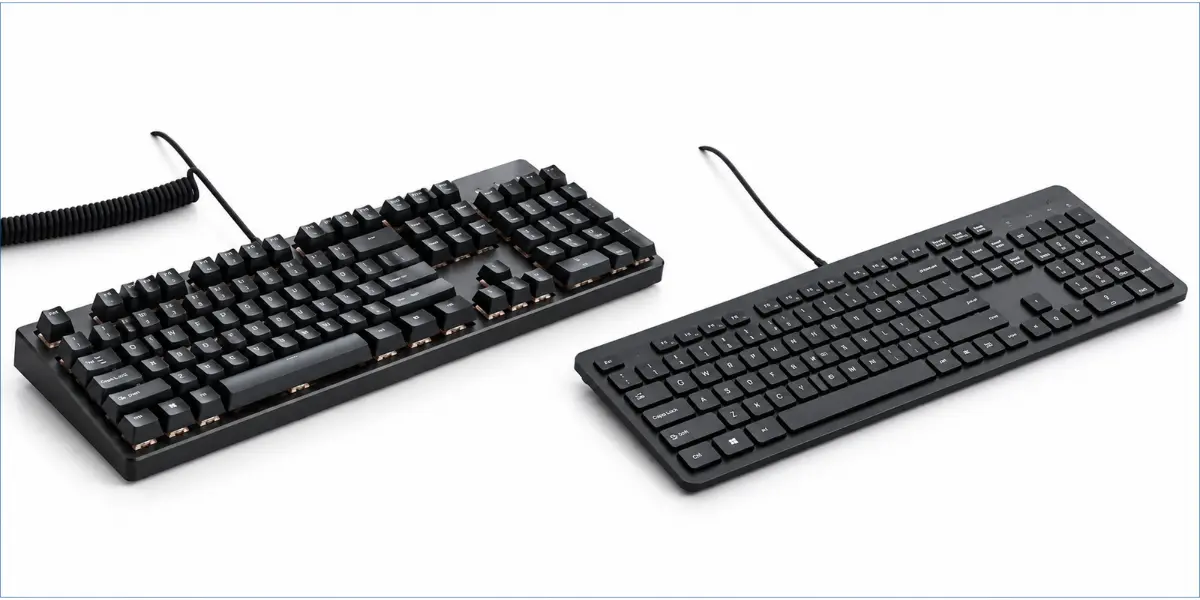
Quick Comparison Table
| Feature | Mechanical Keyboard | Membrane Keyboard |
| Key mechanism | Uses individual mechanical switches | Uses a membrane layer to register keypresses |
| Key feel | Depends on the switch type and design | Often feels softer, but varies by model |
| Gaming response | Depends on the keyboard’s latency | Depends on the keyboard’s latency |
| Pressing several keys at once | Depends on how many keys it can register at once | Depends on how many keys it can register at once |
| Typing noise | Varies by switch and design | Often quieter, but varies by model |
| Price | Often costs more | Often has more budget-friendly options |
A mechanical keyboard may suit you if you want different key feels and switch options. A membrane keyboard may be enough if you play casually and want to spend less.
For competitive gaming, latency and support for simultaneous keypresses can be important. Your preferred key feel, comfort, and budget also matter when choosing a keyboard.
Which Mechanical Switch Type Is Best for Gaming?
The best mechanical keyboard switch for gaming depends on your preferred key feel, sound, and comfort. Linear, tactile, and clicky switches offer different experiences, so the right choice depends on your preferences.
Linear Switches
Linear switches move smoothly when you press them. They do not have a noticeable bump or an intentional click.
Some gamers prefer their smooth feel for repeated keypresses and quick actions, especially in FPS and action games.
Linear switches may suit you if you:
- Prefer smooth keypresses without a noticeable bump.
- Want a consistent feel during fast gameplay.
- Prefer keys without an intentional clicking sound.
Tactile Switches
Tactile switches provide a small bump that you can feel when you press a key. This gives you noticeable feedback without the intentional click of a clicky switch.
Some gamers prefer this feel because they can feel each keypress.
Tactile switches may suit you if you:
- Like feeling a bump when pressing a key.
- Want noticeable feedback without a deliberate click.
- Prefer a switch that also feels comfortable for typing.
Clicky Switches
Clicky switches provide a tactile bump and a clear clicking sound. Some gamers enjoy this sound, but it may not suit every gaming setup.
Their sound may disturb people nearby or enter your microphone during voice chat.
Clicky switches may suit you if you:
- Enjoy a clear clicking sound and tactile feedback.
- Play where keyboard noise will not disturb others.
- Prefer audible feedback while gaming.
If possible, try different switches before buying a mechanical gaming keyboard. Choose one that feels comfortable and suits your gaming setup. No single switch type is best for every gamer.
Are Mechanical Keyboards Good for Different Types of Games?
Different games have different keyboard needs. The right keyboard depends on the controls you use, your comfort, and your budget.
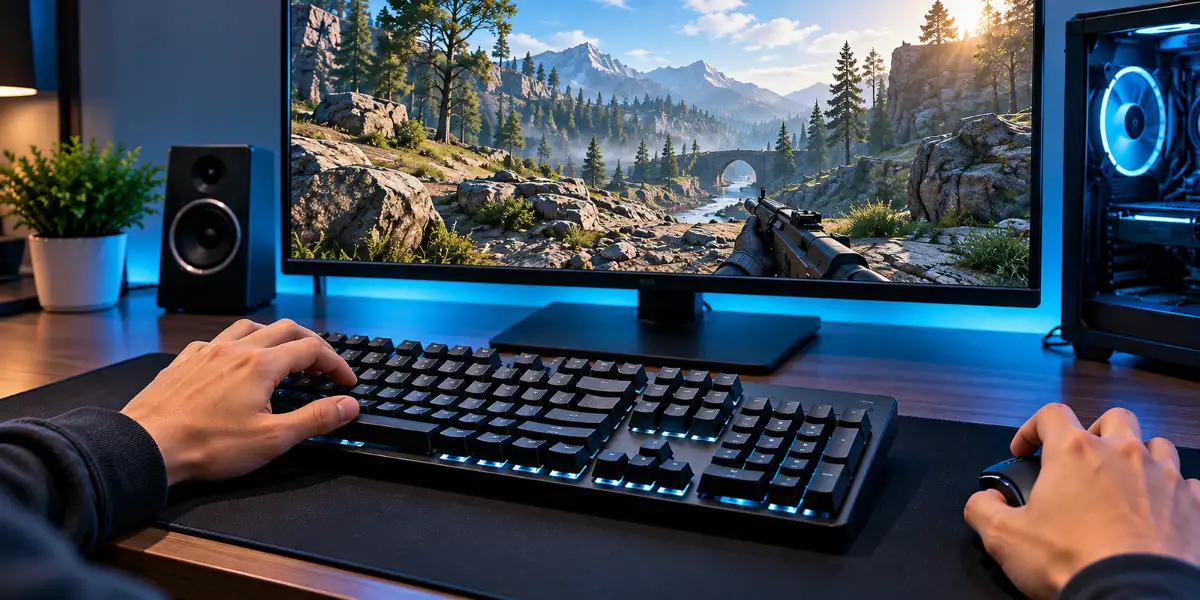
FPS Games
FPS games often require quick movement and frequent keypresses. For example, you may use the WASD keys to move while pressing other keys to jump, crouch, or reload. Choose a keyboard with a comfortable layout that suits your controls. A mechanical keyboard alone does not guarantee better aim or more wins.
Strategy and MMO Games
Strategy and MMO games often use many keyboard shortcuts and commands. When choosing a keyboard for these games, consider:
- Key placement and layout: Choose a layout that keeps your most-used controls easy to reach.
- Available keys: If you use many shortcuts, consider a keyboard with extra keys that you can assign to specific actions.
Casual Games
You do not need a mechanical keyboard to enjoy casual games. Choose a keyboard that feels comfortable, meets your gaming needs, and fits your budget.
Do You Need a Mechanical Keyboard for Gaming?
No, you do not need a mechanical keyboard for gaming. A standard or membrane keyboard can also work well. The right choice depends on your gaming needs, comfort, and budget.
When Should You Consider a Mechanical Keyboard?
A mechanical keyboard may be worth considering if:
- You prefer a particular key feel.
- You want features your current keyboard does not offer.
When Is Your Current Keyboard Enough?
You may not need a new keyboard if:
- Your current keyboard registers your keypresses correctly.
- You find it comfortable to use.
- It works well for the games you play.
Before upgrading, check whether a new keyboard offers features your current keyboard does not have.
What to Check Before Buying a Gaming Keyboard
Before buying a keyboard for gaming, check these features:
- Latency: If you play competitive games, compare independent latency test results.
- Key rollover: Check whether the keyboard supports the key combinations you use.
- Switch type: Choose a feel and sound that suit your preferences.
- Keyboard size: Make sure it fits your desk and leaves enough room for your mouse.
- Connection: For wireless keyboards, check connection stability and tested latency.
- Price: Choose a keyboard that fits your budget and offers the features you need.
What Are the Disadvantages of Mechanical Keyboards for Gaming?
Mechanical keyboards have a few drawbacks to consider before buying one. These can vary by model and how you use the keyboard.
- Higher price: Some mechanical keyboards cost more than basic keyboards.
- Typing noise: Some switches make loud sounds that may disturb others or be picked up by your microphone during voice chat.
- Size and weight: Some models take up more desk space or are harder to carry.
Before buying, read about the mechanical keyboard pros and cons to see if one is right for you.
Conclusion
So, are mechanical keyboards better for gaming? They can be a good choice if you prefer their key feel and feedback. However, they do not guarantee better aim or faster reactions. Your keyboard’s response time, comfort, and ability to register keypresses also matter.
My recommendation is to choose a keyboard that suits your games and budget. If your current keyboard works well, you may not need an upgrade. Compare your options before buying and choose the one that feels right for you.
Frequently Asked Questions
Have questions about using mechanical keyboards for gaming? Here are answers to some common questions.
Some professional gamers use mechanical keyboards. However, using one does not guarantee better gaming performance.
No, a mechanical keyboard does not automatically improve your reaction time. A keyboard with low latency can reduce the delay between pressing a key and the computer registering it, but your reaction time also depends on your own skills.
A mechanical keyboard uses individual mechanical switches, while a gaming keyboard is designed with gaming features. Some gaming keyboards use mechanical switches, while others use membrane or different switch technologies. Compare the features you need instead of relying on the product label alone.
Yes, wireless mechanical keyboards can work well for competitive gaming. However, response speed and connection stability vary by model. Check independent latency tests and wireless performance before buying.
Not always. Noise depends on the switch type and keyboard design. If you use a microphone or play near others, choose a quieter keyboard that suits your gaming space.

- Be Respectful
- Stay Relevant
- Stay Positive
- True Feedback
- Encourage Discussion
- Avoid Spamming
- No Fake News
- Don't Copy-Paste
- No Personal Attacks
- Be Respectful
- Stay Relevant
- Stay Positive
- True Feedback
- Encourage Discussion
- Avoid Spamming
- No Fake News
- Don't Copy-Paste
- No Personal Attacks
